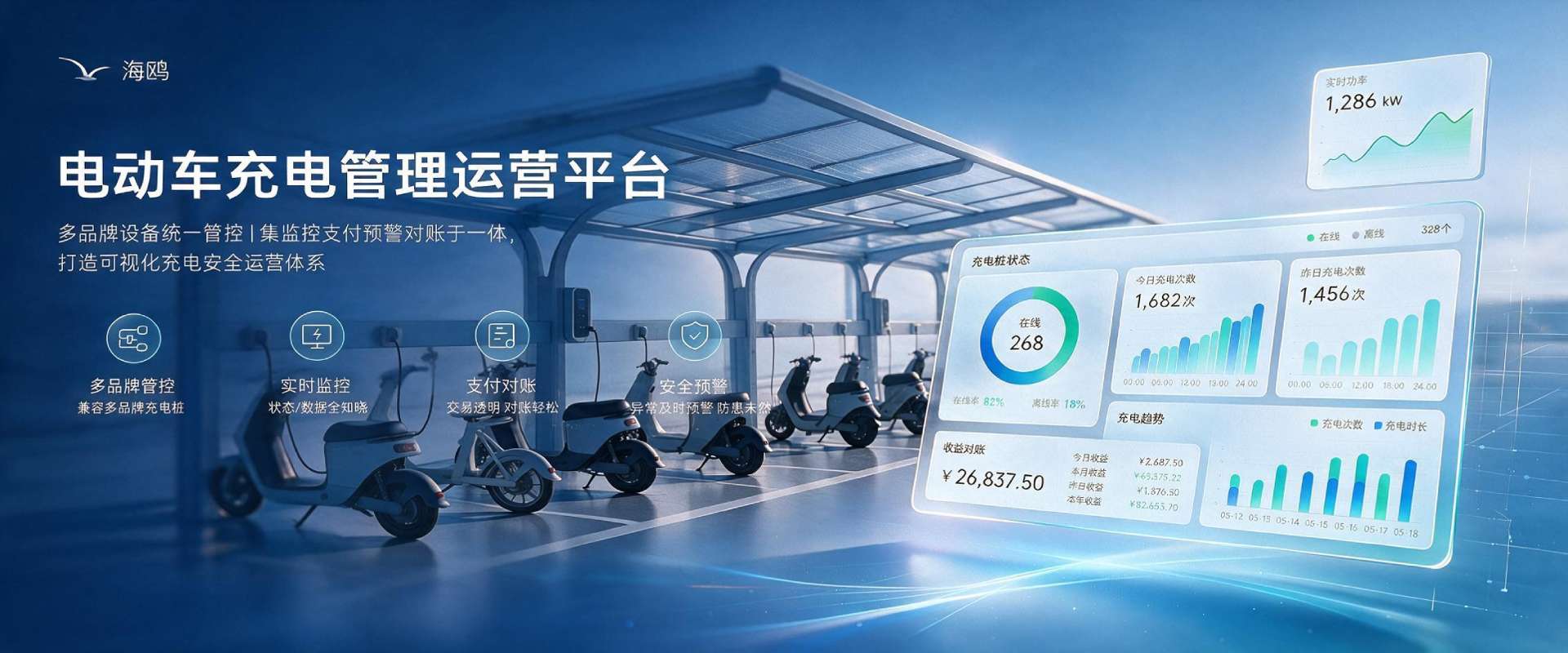
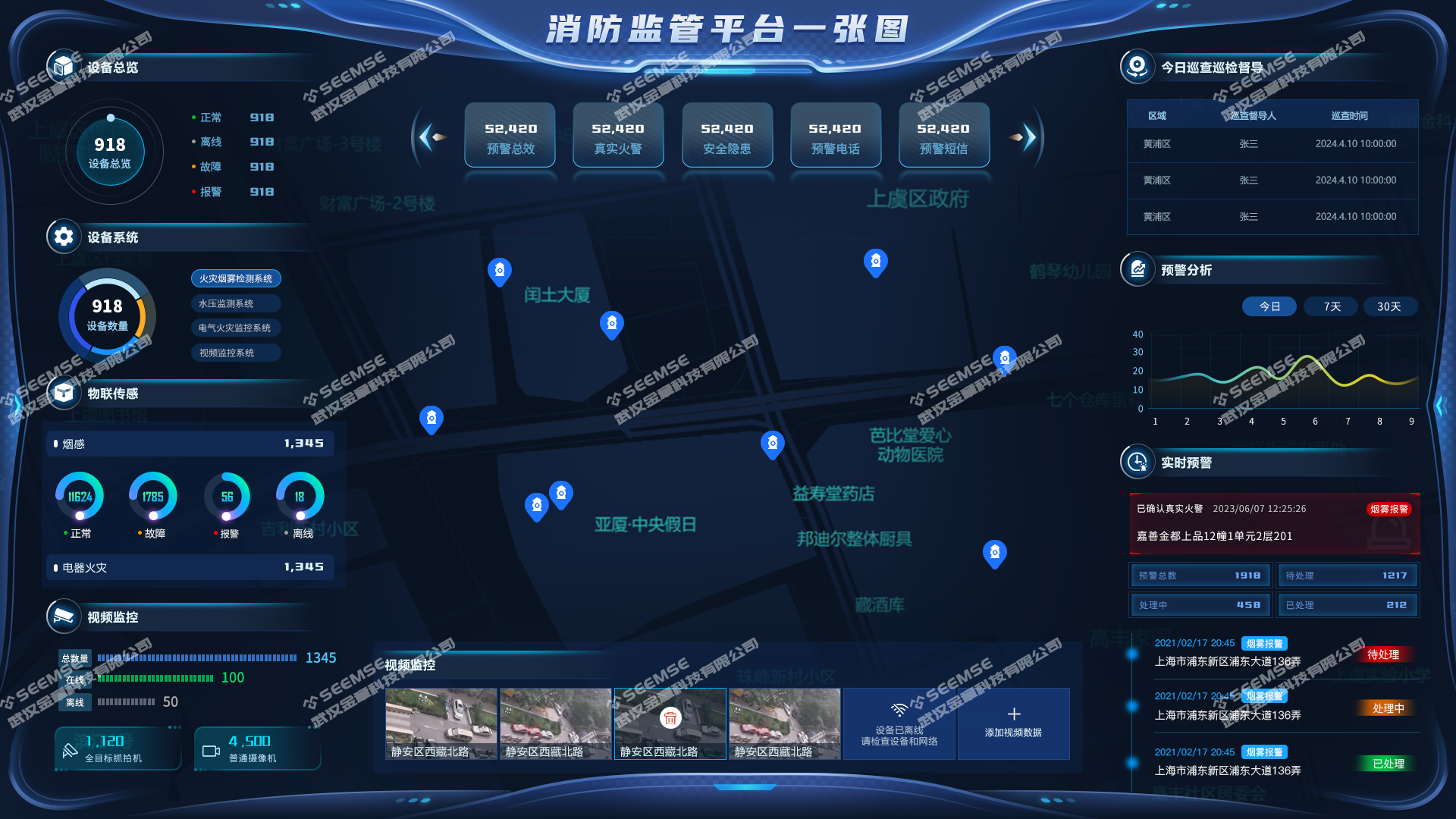
The Seagull E-Bike Charging Management and Operations Platform consists of four modules: Cockpit, Client, Property Management App, and Charger Management Backend.
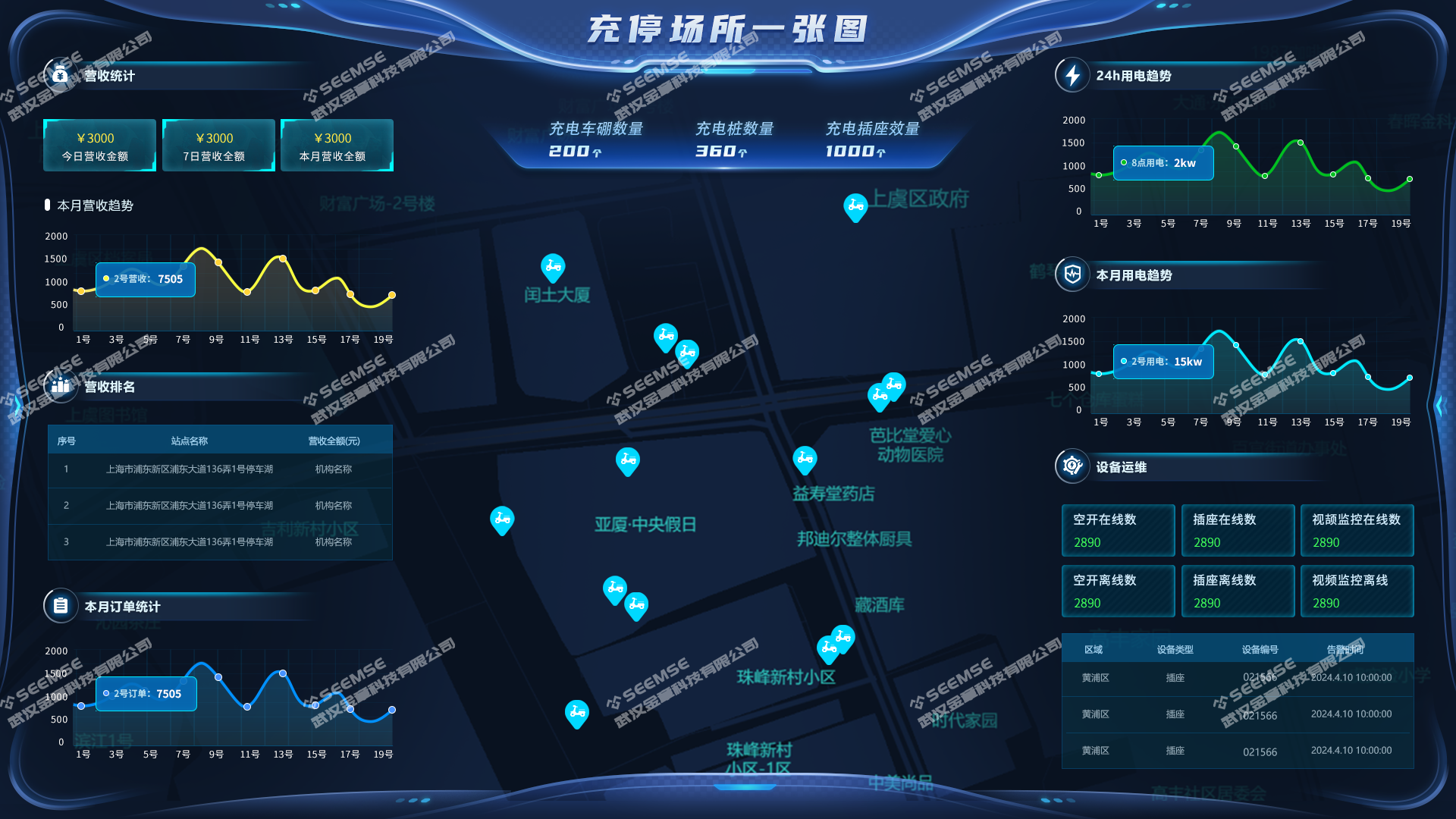
Cockpit
Real-time monitoring of overall charging operations, display of site distribution, statistical display of device status, device utilization, charging count, charging duration, charging amount, charged kWh, charger faults, etc. It can also view site information, charger lists, charging records, revenue, energy consumption, and fault records for each site. Through a visual interface, it provides clear information display, unified management of community chargers, views device utilization, and rationally allocates resources.
Client
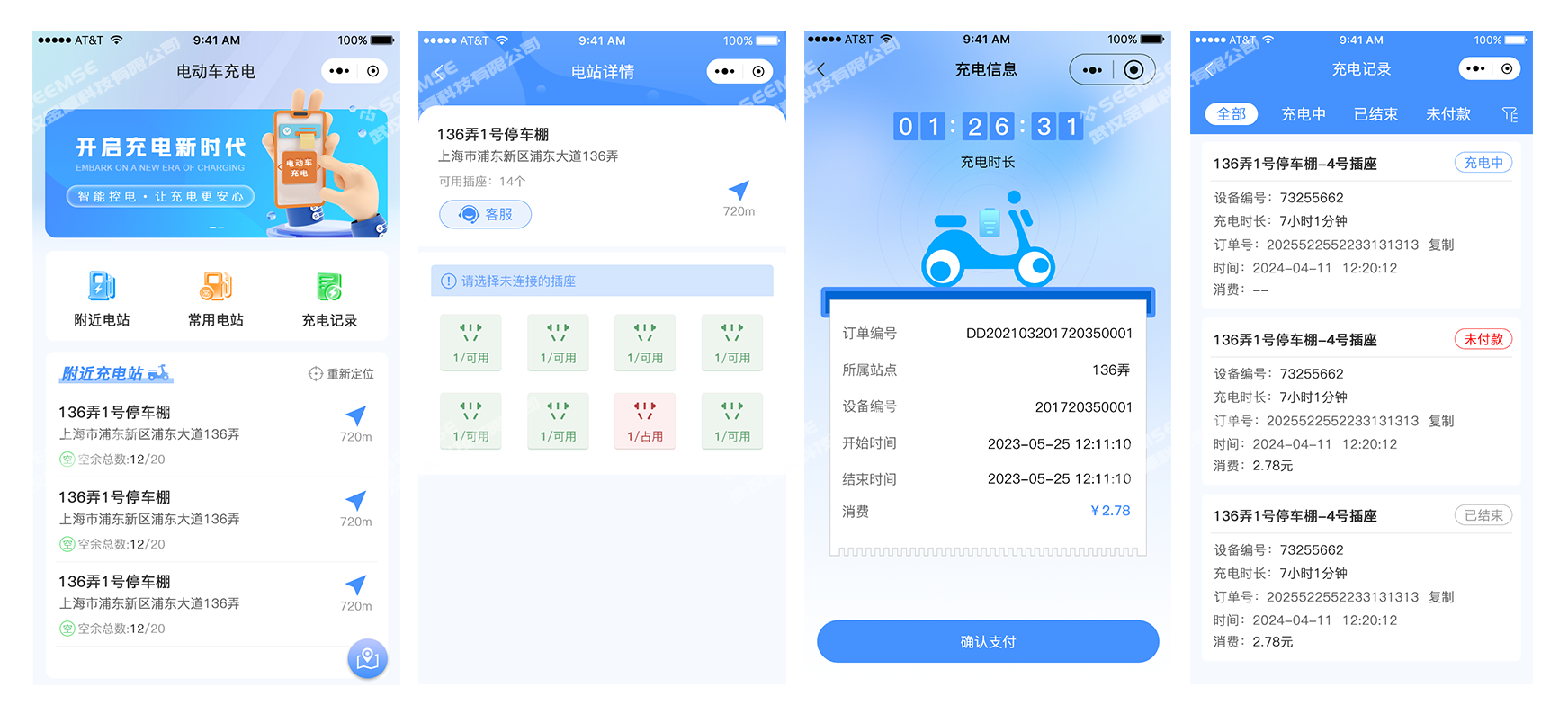
Designed for charging users, with WeChat and Alipay as the main entry points. Users can view nearby idle devices. It mainly includes functions such as scan-to-charge, account top-up, charging card binding, transaction query, and fault complaint.
(1) Home
Includes bulletin board, nearby charging stations, frequently used stations, order records, and device map.
(2) Charging
Users can scan a code or enter a device number, insert coins, or swipe a card to charge e-bikes. Users can view the charging shed user guide and add wallet balance payment.
(3) Personal Center
Includes login, wallet, my orders, message center, complaint feedback, and other functions.
Property Management App
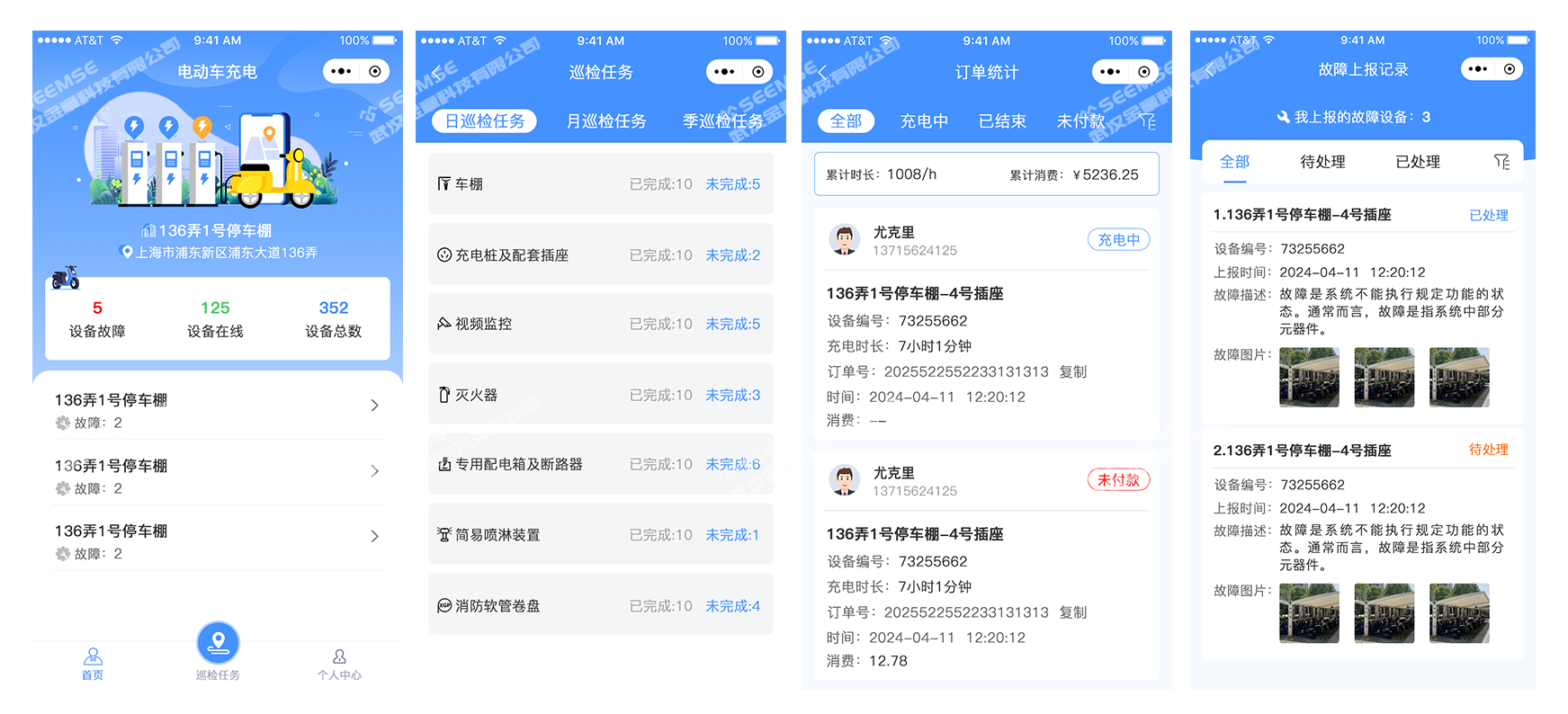
Designed for operations and maintenance personnel. It can manage sites and chargers, perform closed-loop fault handling, query charging/top-up status, perform remote parameter settings, and receive fault push notifications.
(1) Home
Includes revenue curve, device binding, charging parameter settings, revenue statistics, consumption records, charging records, electricity usage statistics, and other functions.
(2) Devices
View device status and location, enable and disable devices.
(3) Operations
Includes customer feedback, device alarms, and fire point alarm information.
(4) Personal Center
View message notifications and follow up on repair status of reported faulty devices.
Charger Management Backend
Through the PC end, view and manage the operations of charging devices in various regions in real time, issue timely warnings, troubleshoot, and report device abnormalities to prevent problems before they occur.
(1) Data Overview
Overview display of data such as operators, transaction amount, total number of charging stations, orders, online devices, and daily revenue.
(2) Community Management
Management of communities with charging stations installed within the jurisdiction, including community name, address, and other information. Click details to view statistical data.
(3) Charging Station Management
Management of all charging stations within the jurisdiction, including the community they belong to, address, and other information.
(4) Device Management
Charging devices: management of all charging devices, which can be enabled and disabled.
Video surveillance devices: management of video surveillance devices, allowing users to view device online status and device locations. Click to jump to the Hikvision platform to view real-time video surveillance or video playback of the parking shed.
(5) Charging Order Management
Includes functions such as today's orders, all orders, abnormal orders, successful orders, unpaid orders, post-settlement refund orders, and statement management.
(6) Top-up Order Management
View all top-up orders and support exporting tables.
(7) Charging Card Management
Management of all physical cards. Physical cards can be reported lost and renewed, and users can view physical card top-up records, statistical reports, and loss reporting records.
(8) Announcement Publishing
Manage announcement publishing for the client and operations and maintenance ends.
(9) Complaints and Feedback
Manage records of device abnormality feedback and charging order abnormality feedback.
(10) Device Fault Warning
Monitor the status of chargers, circuit breakers, and other devices in the shed. When a charger abnormality occurs, alarm signals can be sent to operations personnel in a timely manner through mini programs and SMS, promptly eliminating fire hazards.
(11) Bulletin Board Management
Content management for the carousel images on the user home page.
(12) User Guide Management
Content management for the charging user guide on the user end.
(13) Settlement Management
Includes sub-account list, platform withdrawal management, and transfer list.
(14) Service Fee Management
View the platform's service fee bills, filter by community or device, and view service fee bill details and statistical reports.
(15) System Management
Includes personal center, alarm configuration, role management, user management, menu management, department management, position management, and system logs.